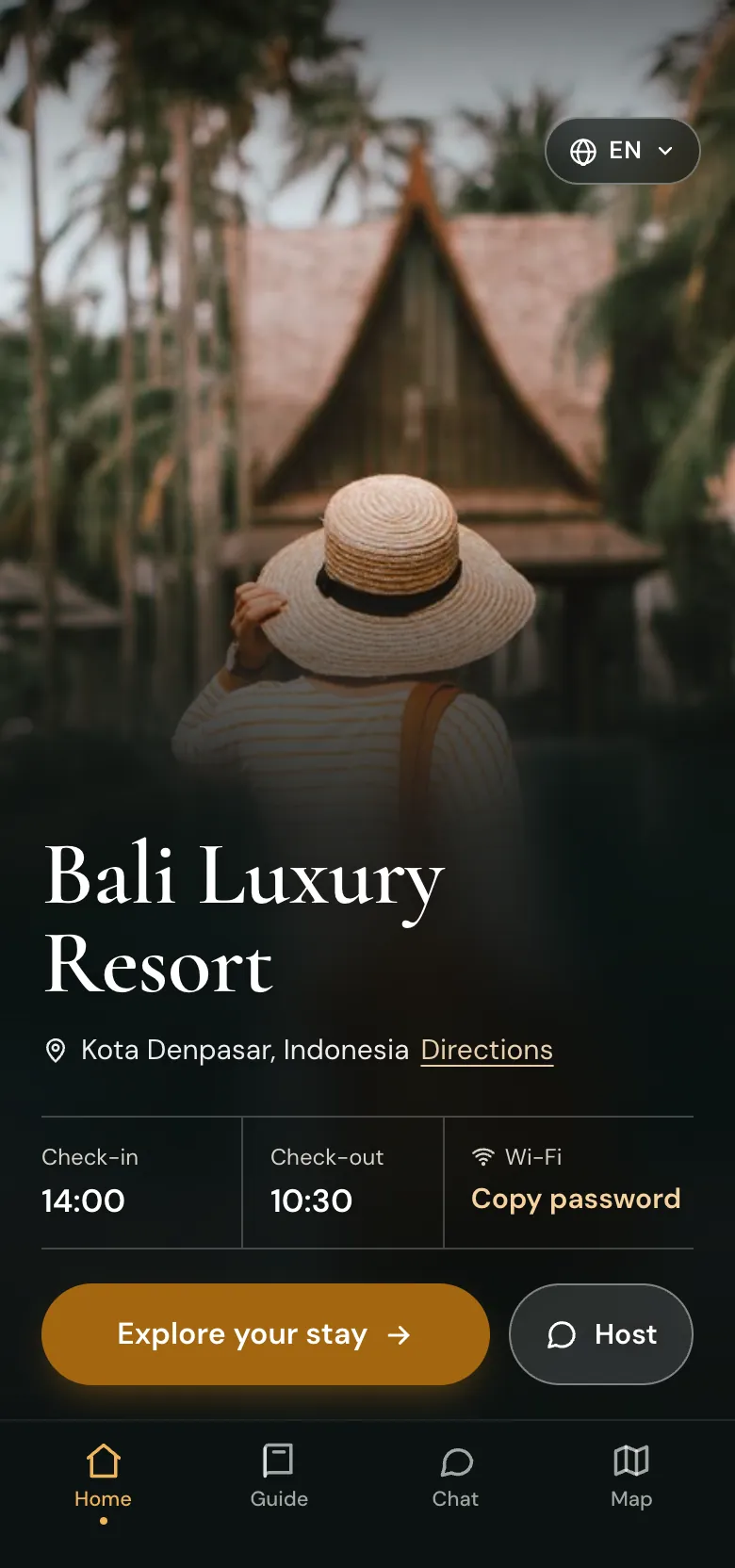
Do guests need to download an app?
No. The manual opens in any browser from a link or QR code, on phones, tablets and laptops. There’s nothing to install.
Can I leave it on a tablet in the property?
Yes. Your manual is a web page, so any tablet with a browser can show it: open your link and leave the tablet in the living room. Put a QR code by the door too, for guests who’d rather use their own phone.
How does the AI chat know my property?
It answers from what’s in your manual: Wi-Fi, check-in, house rules, appliances, local picks and the rest, plus any private notes you add just for the assistant. If the answer isn’t there, it doesn’t guess; it tells the guest to contact you. It replies in the guest’s language. AI chat is part of Pro.
Which languages are included?
Ten: English, Spanish, French, Italian, German, Portuguese, Dutch, Chinese, Japanese and Russian. Your manual is translated with AI, and guests switch language in one tap. The free version has your main language plus one translation; Pro unlocks all ten.
Is the basic version really free?
Yes. One property, free forever, no credit card. It covers Wi-Fi, check-in, house rules and local picks in up to seven sections, with a shareable link, QR codes and two languages. Pro adds AI chat, all ten languages, upsells, PDF download, analytics, custom sections and your own branding.
What should I include in an Airbnb house manual?
A complete Airbnb house manual covers WiFi, check-in and check-out instructions, house rules, appliance guides, emergency contacts, parking, local recommendations and how to reach you. GuestIntro has a ready-made section for each.
How is a digital guest manual better than a PDF?
A digital manual reads well on a phone, opens without a download, changes the moment you edit it and comes in your guests’ languages. A PDF has to be downloaded, resent after every change and zoomed on a small screen. If a guest still wants one, Pro manuals download as a PDF.
How long does it take to create a guest manual with GuestIntro?
A basic manual is live in a few minutes: paste your Airbnb link and it starts from your listing’s name, photo and location, with check-in times and house rules ready to edit. Adding Wi-Fi details, local picks and upsells takes longer, and you can do it whenever suits you.
Can I update my guest manual after sharing it?
Yes — that's one of the biggest advantages. Any change you make appears instantly to all guests. No need to resend links or reprint anything.
Can I use my own branding and colours?
Yes, on Pro: upload your logo and set your own colours and fonts. The free version lets you pick one of seven colour themes.